Our Partners






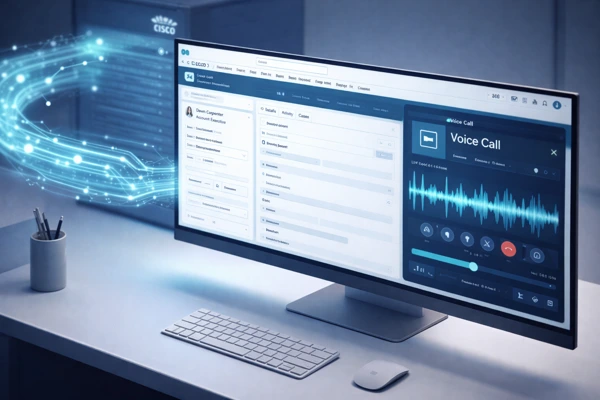
Watch how SmartConnect connects Webex Contact Center to Salesforce Service Cloud Voice from agent login and the Webex phone widget inside the Service Console, through live inbound call routing, automatic Voice Call record creation, and Einstein Next Best Action guidance during the call.
How SmartConnect Integrates Cisco with Salesforce Service Cloud Voice
Technical Architecture
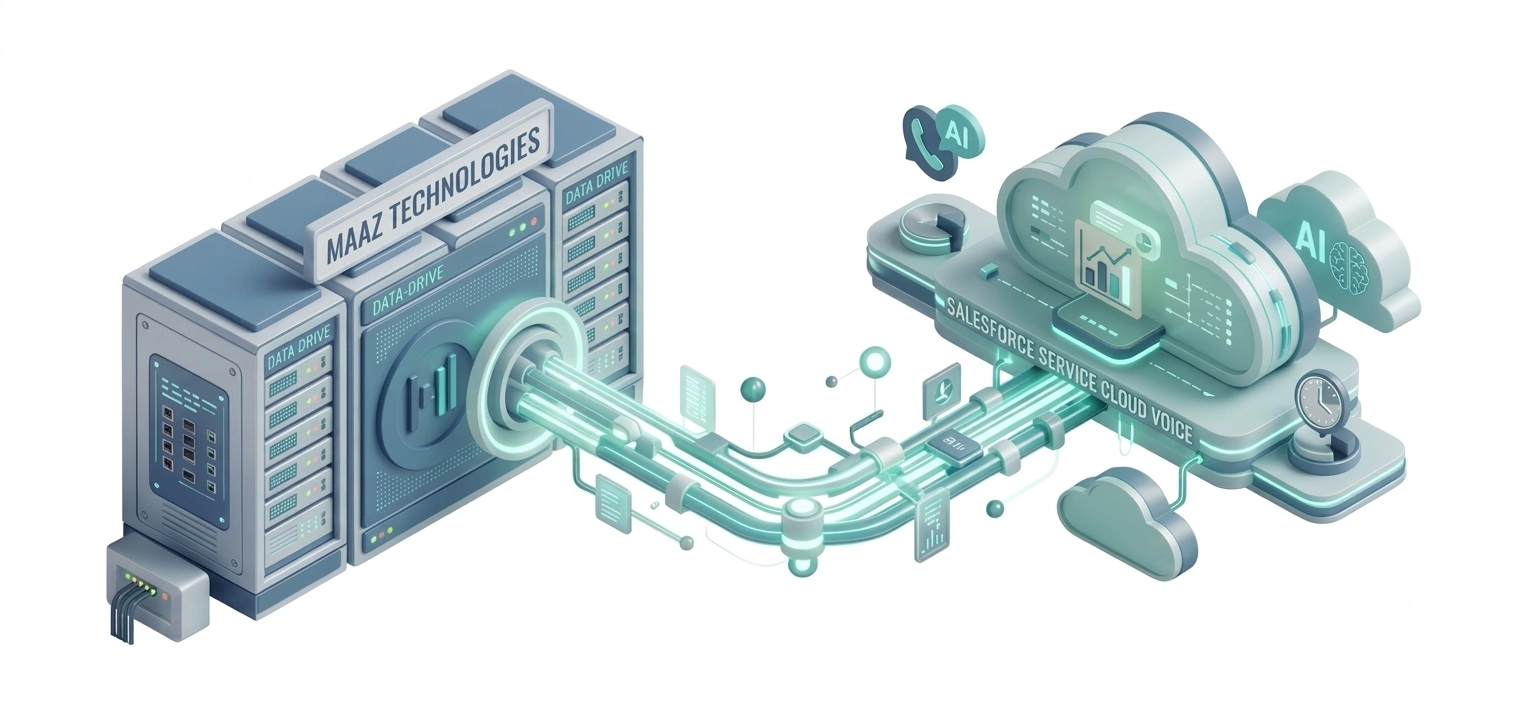
SmartConnect operates as a server-side integration layer hosted on AWS (EC2 or containerized ECS) or your on-premise infrastructure. Here is how the data flows:
- 1. An inbound call arrives at Cisco UCCE/UCCX and is processed by Cisco Finesse.
- 2. SmartConnect's CTI adapter receives the call event via Cisco Finesse REST APIs.
- 3. SmartConnect translates the event into a Salesforce Voice Call object and fires a screen pop via Salesforce Open CTI.
- 4. The agent sees the customer record, open cases, and purchase history in Salesforce before answering the call.
- 5. Einstein AI begins transcribing the call in real time via Amazon Transcribe or Salesforce's native transcription engine.
- 6. Einstein Next Best Action evaluates the live transcript and customer data to push recommendations to the agent mid-call.
- 7. When the call ends, SmartConnect automatically logs the activity record, attaches the transcript, and updates the case in Salesforce.
- Route WhatsApp voice calls from customers into your Cisco + Salesforce environment agents receive WhatsApp calls in their existing Cisco Finesse workspace with full screen pop. WhatsApp Voice Calling for Cisco Contact Centers"
Supported Cisco Platforms & Versions
| Platform | Supported Versions | Deployment |
|---|---|---|
| Cisco UCCE (Unified Contact Center Enterprise) | 12.x – 15.x | On-Premise or AWS or any cloud |
| Cisco UCCX (Unified Contact Center Express) | 12.x – 15.x | On-Premise or AWS or any cloud |
| Cisco PCCE (Packaged Contact Center Enterprise) | 12.x – 15.x | On-Premise or AWS or any cloud |
| Webex Contact Center | Latest | Cloud, AWS |
| Cisco Finesse (Agent Desktop) | 12.x – 15.x | Embedded Gadget |
AWS Hosting Architecture
SmartConnect on AWS runs on EC2 or ECS with auto-scaling groups, Application Load Balancer, RDS for session management, and CloudWatch for real-time monitoring. This architecture supports high availability (99.9% uptime SLA) and disaster recovery. For enterprises with data residency requirements, SmartConnect can be deployed in any AWS region.
Key Features of Salesforce Service Cloud Voice Cisco Integration with SmartConnect
1. Real Time Screen Pop (Contact Match)
When a call arrives from a known number, SmartConnect queries Salesforce in real time and pops the matching contact, account, or case directly in the agent’s console. The agent sees name, history, open cases, and account tier before picking up the call. For unknown callers, SmartConnect automatically creates a new Salesforce contact and activity record zero interactions are missed.
2. Einstein Next Best Action
During every live call, Salesforce Einstein analyzes the real time transcript, customer history, open cases, and behavioral data to push contextual recommendations to the agent. Examples include: offering a renewal discount when the transcript mentions a contract end date, escalating to a specialist when frustration sentiment is detected, or surfacing a relevant Knowledge Base article based on the customer’s question.
3. Omnichannel Routing – Voice, SMS, and Email
SmartConnect extends Salesforce Omni Channel to include Cisco voice calls alongside SMS and email. All three channels are queued, routed, and managed from a single Salesforce Omni Channel console. Supervisors see unified queue statistics and agent availability across all channels in real time.

4. AI NLP Omnichannel Chat Solution
Unify web chat, mobile in-app messaging, SMS, WhatsApp, Facebook Messenger, Apple Messages for Business, and LINE inside the same Salesforce Omni-Channel console handling Cisco voice calls. Messaging channels require a Salesforce Digital Engagement license; email routes through standard Email-to-Case, no Digital Engagement license needed.

5. Automatic Call Logging and Wrap Up
On call end, SmartConnect automatically creates an Activity record in Salesforce, attaches the call transcript, stamps the call duration, and optionally triggers a post call survey. Agents no longer spend time on manual after call work (ACW), reducing average handle time significantly.

6. Real Time Call Transcription
Every call is transcribed word for word in real time and saved as a Salesforce Voice Call record. Transcripts feed Einstein AI recommendations and are available for QA review, agent coaching, and compliance documentation. Transcription accuracy averages 95 98% for standard English in contact center environments.
7. Click to Call from Salesforce
Agents initiate outbound calls directly from any phone number field in Salesforce with a single click. SmartConnect dials through the Cisco infrastructure no manual dialing, no switching to a separate phone application. Call logging starts automatically the moment the call connects.

8. AI-powered speech analytics for Cisco contact centers
For organizations requiring analytics beyond transcription compliance monitoring, sentiment scoring, and agent performance benchmarking AI-powered speech analytics for Cisco contact centers extends Salesforce’s native transcription with a full conversation intelligence layer.
What Is Salesforce Service Cloud Voice Cisco Integration?
Salesforce Service Cloud Voice (SCV) is Salesforce's native telephony framework that embeds phone calls into the Salesforce Omni Channel console. Rather than using a separate phone interface, agents handle inbound and outbound calls, view real time AI transcription, and receive Einstein recommendations all without leaving Salesforce.Connecting an existing Cisco Contact Center (UCCE, UCCX, or Webex) to Salesforce Service Cloud Voice requires a Partner Telephony (BYOT Bring Your Own Telephony) connector. Maaz Technologies SmartConnect is that connector: a certified middleware layer that bridges your Cisco telephony infrastructure to the Salesforce Voice Call object and Omni Channel framework.
Without a connector like SmartConnect, your Cisco agents and Salesforce records remain in separate systems, forcing manual data entry, slower call handling, and missed AI capabilities.
Business Benefits - What Changes After SmartConnect Goes Live
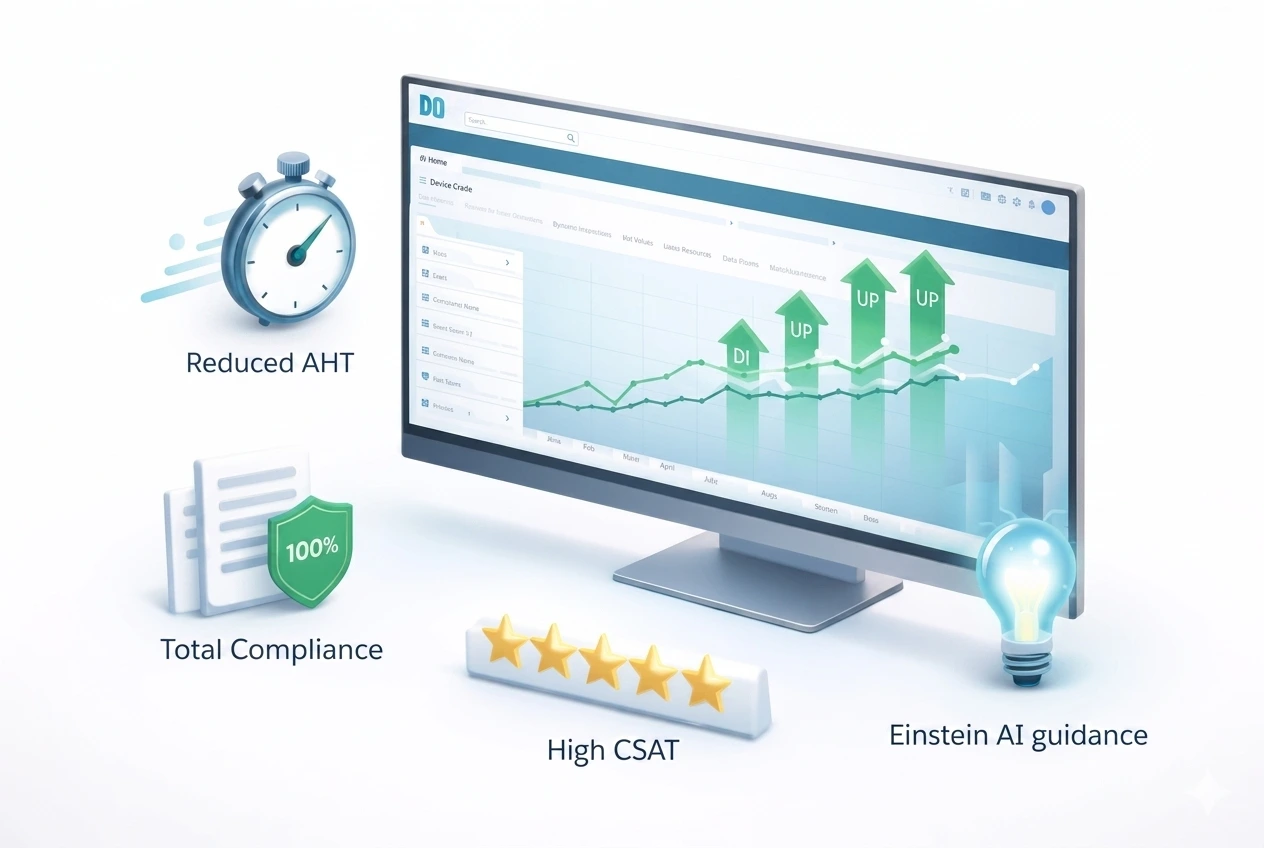
Organizations that have deployed SmartConnect across Cisco UCCE and UCCX environments report the following operational improvements:
- Average Handle Time (AHT): Reduced by 30 40% due to automatic screen pop, click to call, and auto logging eliminating manual search and data entry.
- First Call Resolution (FCR): Improves when agents have complete customer context before answering no more asking customers to repeat themselves.
- After Call Work (ACW): Near eliminated because transcription, activity logging, and case updates happen automatically on call end.
- Agent Ramp Time: New agents become productive faster when Einstein NBA guides them through calls rather than relying purely on memory and training.
- Compliance and QA: 100% of calls are transcribed and logged no sampling required for quality audits or regulatory compliance reviews.
- Customer Satisfaction (CSAT): Personalized, informed interactions consistently outperform cold call experiences in CSAT benchmarks.
SmartConnect vs. Other Cisco-Salesforce CTI Connectors
Buyers evaluating this space will compare Maaz Technologies SmartConnect against NovelVox Smart CTI Connector, Bucher+Suter b+s Connects for Salesforce Voice, AMC Technology DaVinci, and ExpertFlow. Here is how SmartConnect differentiates:
| Capability | Maaz SmartConnect | Typical Alternatives |
|---|---|---|
| Native SCV Voice Call Object | ✅ Full | Partial / Third-party widget |
| AWS Hosted or any cloud or On-premises Deployment | ✅ Yes | Varies |
| Einstein NBA Built-In | ✅ Yes | Add-on or unavailable |
| UCCE + UCCX + Webex in One | ✅ Yes | Usually single platform |
| Cisco Finesse Gadget Support | ✅ Yes | Varies |
| Deployment Time | 2–4 weeks | 6–12 weeks typical |
| Customizable AI Workflows | ✅ Yes | Limited |
Implementation - How Maaz Technologies Deploys SmartConnect
Maaz Technologies follows a structured 4-phase delivery methodology for every SmartConnect engagement:
Phase 1 — Discovery & Environment Audit (Week 1)
We assess your Cisco version, network topology, Salesforce org configuration, Omni-Channel setup, AWS or on-premise hosting environment, and agent headcount. We also confirm your Salesforce Service Cloud Voice Partner Telephony licence is in place.
Phase 2 — SmartConnect Configuration & AWS Setup (Week 1–2)
We deploy the SmartConnect server components on AWS (or on-premise), configure the Cisco Finesse CTI adapter, set up the Salesforce Connected App and Open CTI integration, and configure Omni-Channel routing rules.
Phase 3 — AI & Workflow Configuration (Week 2–3)
We enable Service Cloud Voice, configure real-time transcription, and build Einstein Next Best Action rules aligned to your specific sales, support, or escalation workflows. Custom routing logic and automated response playbooks are configured to match your business processes.
Phase 4 — UAT, Training & Go-Live (Week 3–4)
Full user acceptance testing with your agents and supervisors. We deliver documentation, conduct agent and supervisor training sessions, and provide hypercare support for the first two weeks post-launch.
Technical Requirements
Salesforce Requirements:
- Salesforce Service Cloud licence with Service Cloud Voice (Partner Telephony / BYOT) add-on
- Salesforce Omni-Channel enabled
- Einstein Next Best Action licence (for AI recommendations)
Cisco Requirements:
- Cisco UCCE 12.x / UCCX 12.x / PCCE 12.x / Webex Contact Center
- Cisco Finesse 12.x or later
- HTTPS access to Cisco Finesse REST API endpoints
Infrastructure Requirements:
- AWS account (EC2 or ECS) or on-premise Windows Server / Linux
- Outbound HTTPS connectivity from SmartConnect server to Salesforce API and Cisco Finesse API
- TLS 1.2 or higher for all API communications
Security:
- End-to-end encryption (TLS 1.2+) for all communications
- Salesforce Connected App with OAuth 2.0
- Role-based access control (RBAC) for SmartConnect admin functions
- GDPR and CCPA compliance tooling included
Use Cases: Who Benefits from Salesforce Service Cloud Voice Cisco Integration?
B2B Sales Teams on Cisco UCCX
Mid market businesses running Cisco UCCX for inbound sales calls. SmartConnect enables click to call outbound campaigns, real-time Einstein recommendations during discovery calls, and automatic opportunity and contact updates turning the contact center into a revenue driver.
IT Helpdesks with Cisco Finesse
IT departments running Cisco UCCX or UCCE for internal helpdesk operations. SmartConnect routes calls into Salesforce Service Cloud cases automatically, with the caller’s asset records, ticket history, and open incidents pre-loaded for the support engineer.
Organizations Migrating from Cisco to Webex Contact Center
Enterprises in the process of migrating from legacy Cisco UCCE/UCCX to Webex Contact Center can run SmartConnect in parallel across both environments during the transition or maintaining Salesforce Service Cloud Voice continuity throughout the migration window.
Enterprise Customer Support Operations
Large scale contact centers running Cisco UCCE with hundreds of agents who need Salesforce CRM integration without replacing their Cisco infrastructure. SmartConnect preserves the Cisco investment while adding Salesforce’s AI, automation, and reporting capabilities on top.
Why Choose Maaz Technologies for Salesforce Service Cloud Voice + Cisco Integration?
Maaz Technologies is a Salesforce AppExchange Partner with deep experience integrating Salesforce Service Cloud Voice with Cisco contact center environments. Unlike firms that simply resell third-party connectors, we built SmartConnect ourselves our engineers know it at the code level and can customize it to fit complex enterprise requirements rather than forcing you into a rigid template. Our team combines Salesforce and Cisco contact center expertise to help organizations modernize their customer engagement infrastructure, whether that means a fresh implementation or migrating from a legacy setup.