Intelligent Communications Manager (ICM) for Dynamics 365 AI Omnichannel Chat
ICM is Maaz Technologies’ AI-powered chat solution for Microsoft Dynamics 365 Omnichannel, listed on Microsoft AppSource. It connects customer conversations from web, mobile, and social channels into a single Dynamics 365 workspace, using AI to handle common queries automatically and route complex ones to live agents. Explore our Dynamics 365 Omnichannel integration options to see how ICM fits into your existing support setup.

Our Partners







Unify Your Support Systems for Better Efficiency
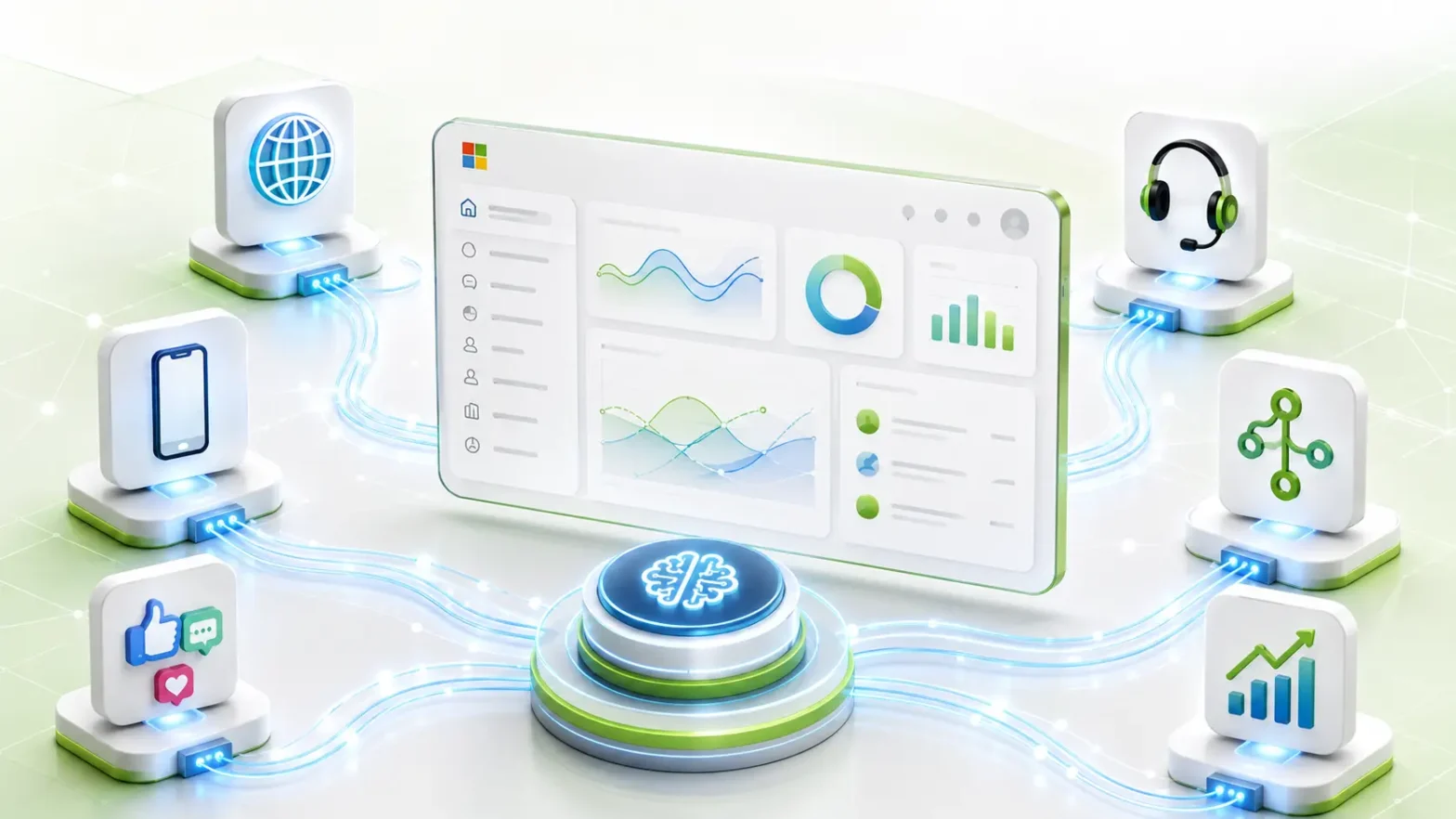
ICM connects your support channels — web chat, mobile, and social into a single Dynamics 365 Omnichannel workspace, so agents see full conversation history and case context without switching tools. AI handles routine queries automatically and hands off complex ones to the right agent.
Get a Dynamics 365 Omnichannel Demo
Key Features
ICM brings AI-driven chat, routing, and personalization together inside Dynamics 365 Omnichannel, so every conversation regardless of channel is handled consistently.

Simple, Intuitive and Steady
ICM is trained on your customer database and product catalog using Azure AI, so responses reflect your actual data not generic scripted replies.

Instant Responses
AI answers common queries immediately, before a live agent would typically pick up the conversation.

Multi-Platform Support
Conversations carry over across web, mobile, and social channels without losing context if a customer switches devices or platforms mid-conversation.

Personalized Replies
Responses draw on each customer’s past interactions and preferences stored in Dynamics 365, so agents and AI don’t ask customers to repeat themselves.

Automated Workflows
Routine tasks — ticket creation, status updates, FAQs are handled automatically, so agents only handle exceptions.
Advanced Intelligent Chat Routing and Queuing Capabilities
Chats route to the right team or agent based on rules you define — topic, customer tier, language, or channel instead of a single shared queue.
How ICM Works
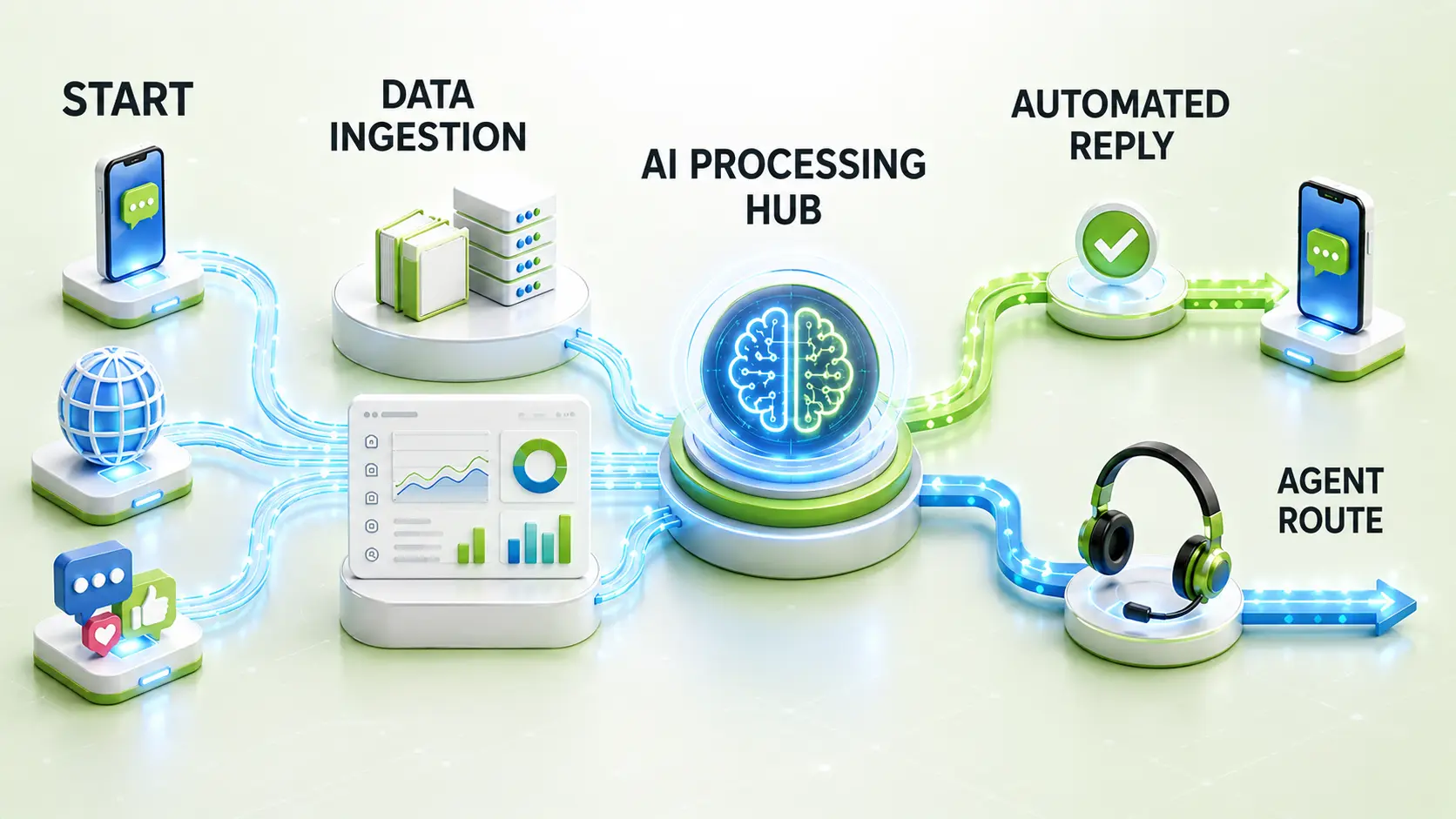
A customer message comes in from any connected channel — web, mobile, or social. ICM's AI engine checks it against your trained knowledge base and customer data in Dynamics 365, answering routine queries automatically. Anything the AI can't resolve is routed to the right agent, along with the full conversation and customer context, based on the rules you've set.
Built for Scale, Available Around the Clock
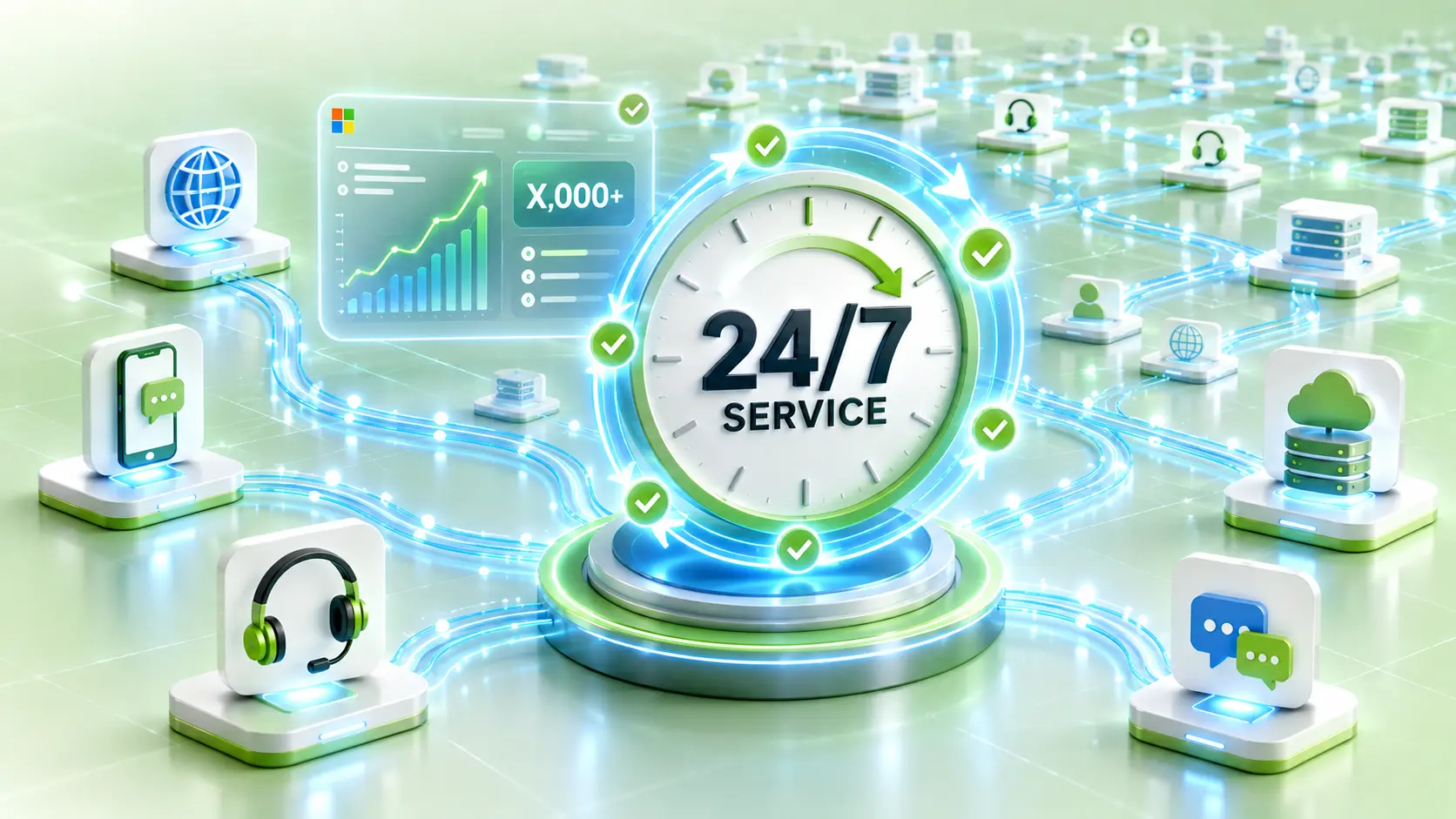
- 24/7 Availability: ICM handles queries outside business hours without needing agents on shift.
- Scalable Under Load: Query volume spikes are handled by the AI layer first, so support quality doesn't drop during peak traffic.
Why Work With Us?
Support After Go-Live
We stay on for configuration changes and troubleshooting as your query volume or Dynamics 365 setup evolves.
Structured Setup Process
We handle knowledge base training, channel connections, and routing configuration before go-live, so your team starts with a working system, not a blank slate.
Dynamics 365 Omnichannel Expertise
We configure ICM’s AI engine, routing rules, and Dynamics 365 integration to match how your support team already works, not a generic template.
Get Started with ICM for Salesforce
Talk to our team about adding ICM to your Salesforce Service Cloud setup. We'll walk through your current channels and outline how AI-powered chat and routing would fit your support workflow.
Book a Dynamics 365 AI Chat Demo